Audio / Edition 57
Voice Takes
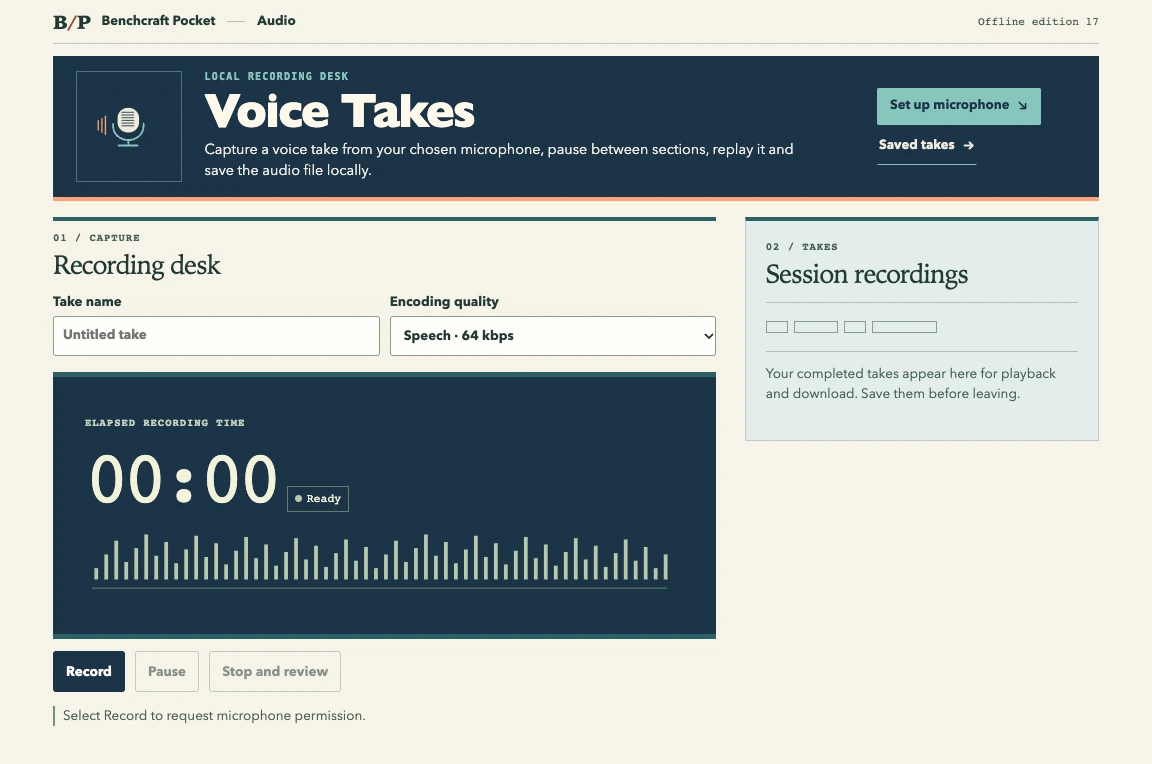
Capture a voice take from your chosen microphone, pause between sections, replay it and save the audio file locally.
01
Inside this edition
Records a microphone only after you select Record and grant permission. The browser chooses the available local recording format.
Browser requirements A desktop browser with JavaScript, microphone recording support and microphone permission.
- 01Name the take and select recording quality
- 02Allow the microphone and record or pause
- 03Play back the result and download the audio
02
Try it with a sample
Record one paragraph, pause between takes and keep the finished clip.