Creative / Edition 52
Speaking Rail
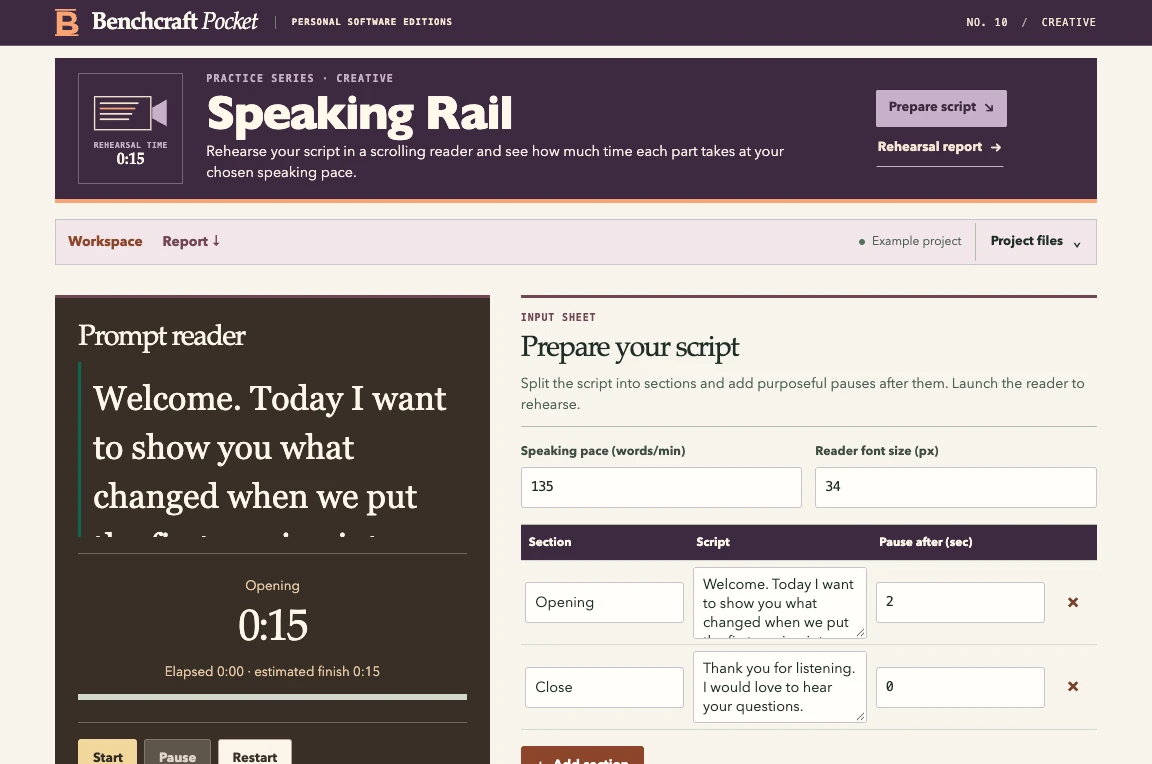
Rehearse your script in a scrolling reader and see how much time each part takes at your chosen speaking pace.
01
Inside this edition
Desktop scrolling prompt with pause, font sizing, section estimates and a rehearsal timer.
Browser requirements A modern desktop browser with JavaScript enabled.
- 01Prepare the script
- 02Set pace and font size
- 03Rehearse in the reader and inspect running time
02
Try it with a sample
Rehearse a short opening and close with a deliberate pause.