Documents / Edition 51
Signature Sheet
Compared with pdfFiller: edit PDF documents
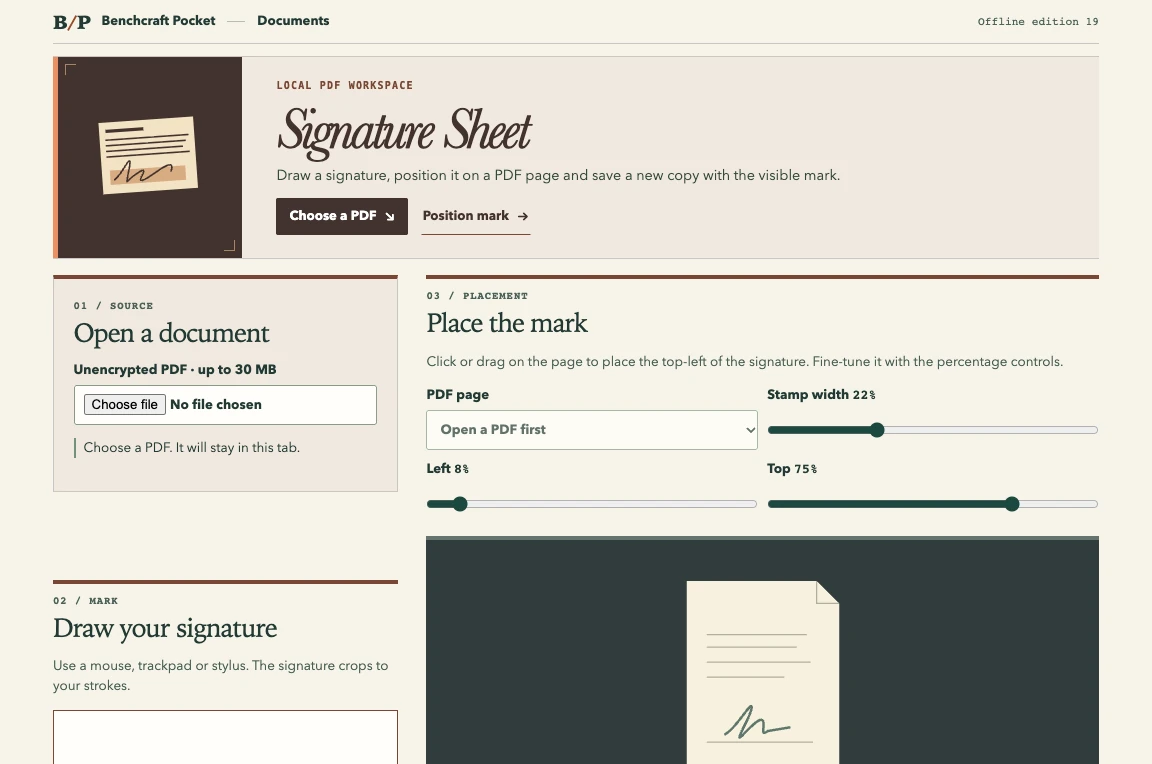
Draw your signature, place it visually on a PDF page and download a stamped copy for your records.
Matched task place a visible signature on a PDF
Inside this edition
Places a visible handwritten mark on an unencrypted PDF. Uses local processing and supports unrotated pages with a standard crop box. This is a visual stamp without identity verification or a digital certificate.
Browser requirements A modern desktop browser with JavaScript enabled.
- 01Open an unencrypted PDF
- 02Draw your signature, choose a page, and position the mark
- 03Export the stamped PDF
Try it with a sample
Place your handwritten signature on the final page of a two-page form.
Original subscription
The US App Store listing shows “PDF editor • Basic Monthly” at US$19.99, checked 1 November 2026. The original app may offer other tiers or include this task for free. View publisher listing
View Signature Sheet features and file formats
Compare the exported result with a sample of your own work before changing subscriptions.